
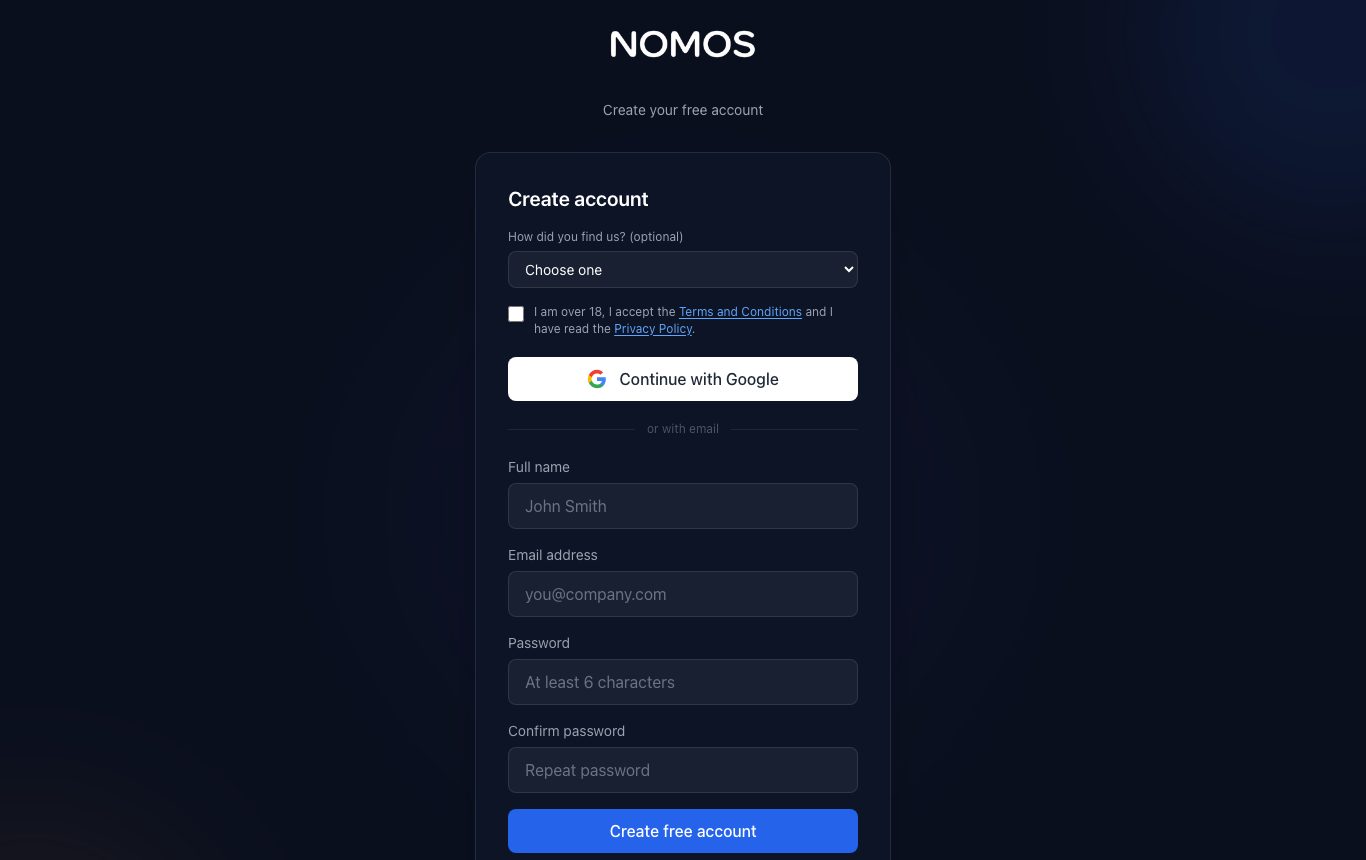
- Go to nomosdoc.com and press “Start free”. Sign up with your email and a password, or with “Continue with Google”.
- With email, we send you a 6-digit code. Type it on the verification screen; it expires after 10 minutes and you can ask for another. If it does not arrive, check your spam folder.
- Accept the terms and conditions (the sign-up box or the notice when you sign in).
- When your email is verified you get 200 welcome credits, no card needed. One free account per person.
The dashboard
From the dashboard you create documents and see the ones you have. At the top are your credits, My account, light or dark theme and the language.
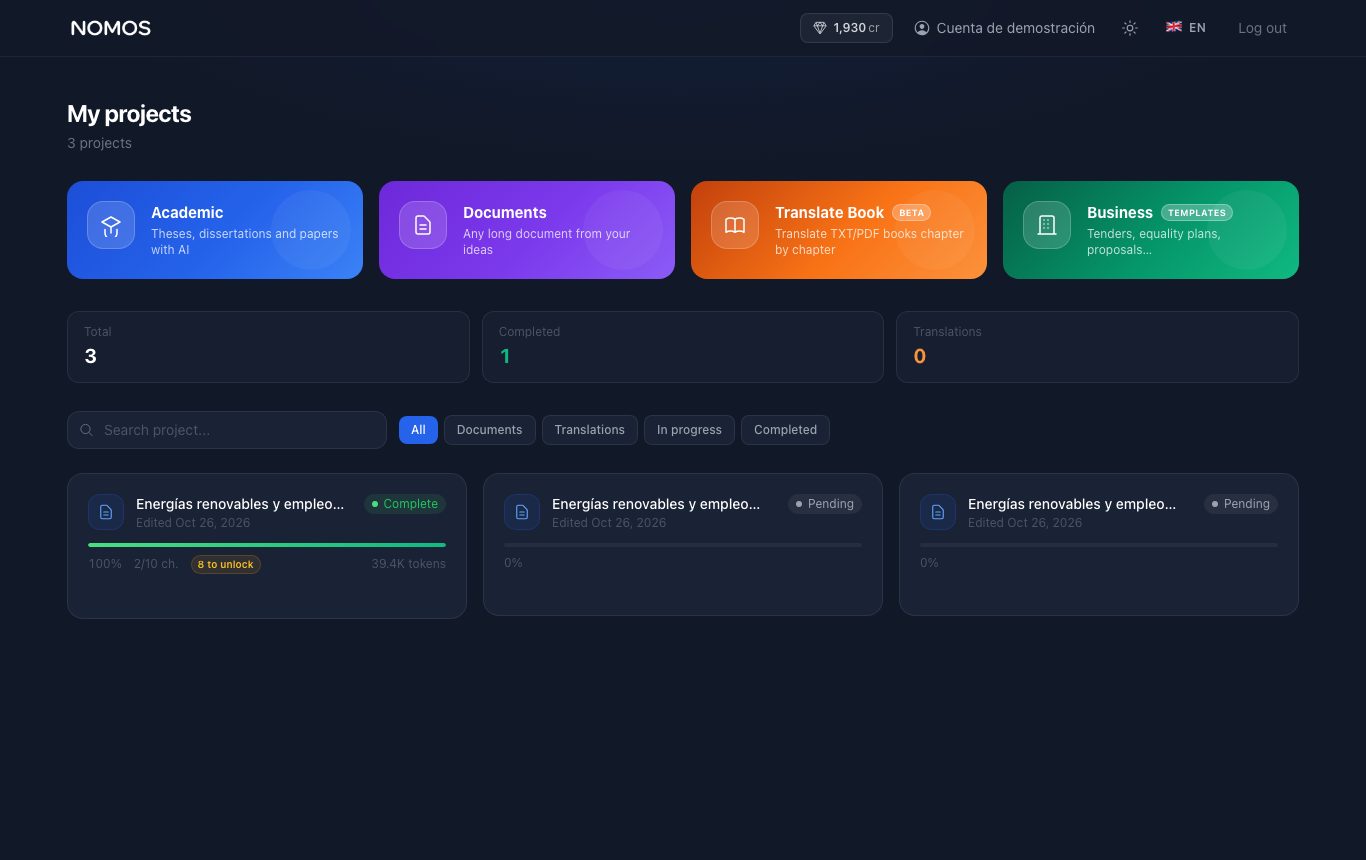
- Academic: theses, dissertations and coursework.
- Documents: any long document from your ideas.
- Translate book: translates a .txt or .pdf book chapter by chapter.
- Business: templates for technical proposals, equality plans, grant applications and commercial proposals.
Inviting someone? For each person who signs up with your link (on Billing) and verifies their email you get 200 credits, up to 5 invitations.