
A training manual
new hires can actually follow
Describe the role and what people must learn, and upload your SOPs, slides or notes. Nomos organises it into modules — objectives, steps, common mistakes, a practice exercise and a short check — and exports the manual to Word.
Free to start · no card · from $5.49, no subscription
How each module is built
Learning objectives
What the trainee can do at the end of the module.
The knowledge, explained
In plain words, with examples from the trainee’s real work.
Step-by-step tasks
Every task broken into steps, using your tools and terms.
Common mistakes
What new people get wrong, and how to avoid it.
Practice and check
An exercise and a short quiz or checklist, with the answers at the end.
Glossary and sign-off
The terms of the job and a checklist for the trainer to close the training.
How it works
- 1
Tell us the training
The role or skill, who it is for and whether it is self-study or with a trainer.
- 2
List what they must learn
The tasks and topics, plus your SOPs, slides or notes as reference.
- 3
Approve the modules, get the Word file
Nomos proposes the modules in learning order; you approve and it writes them.
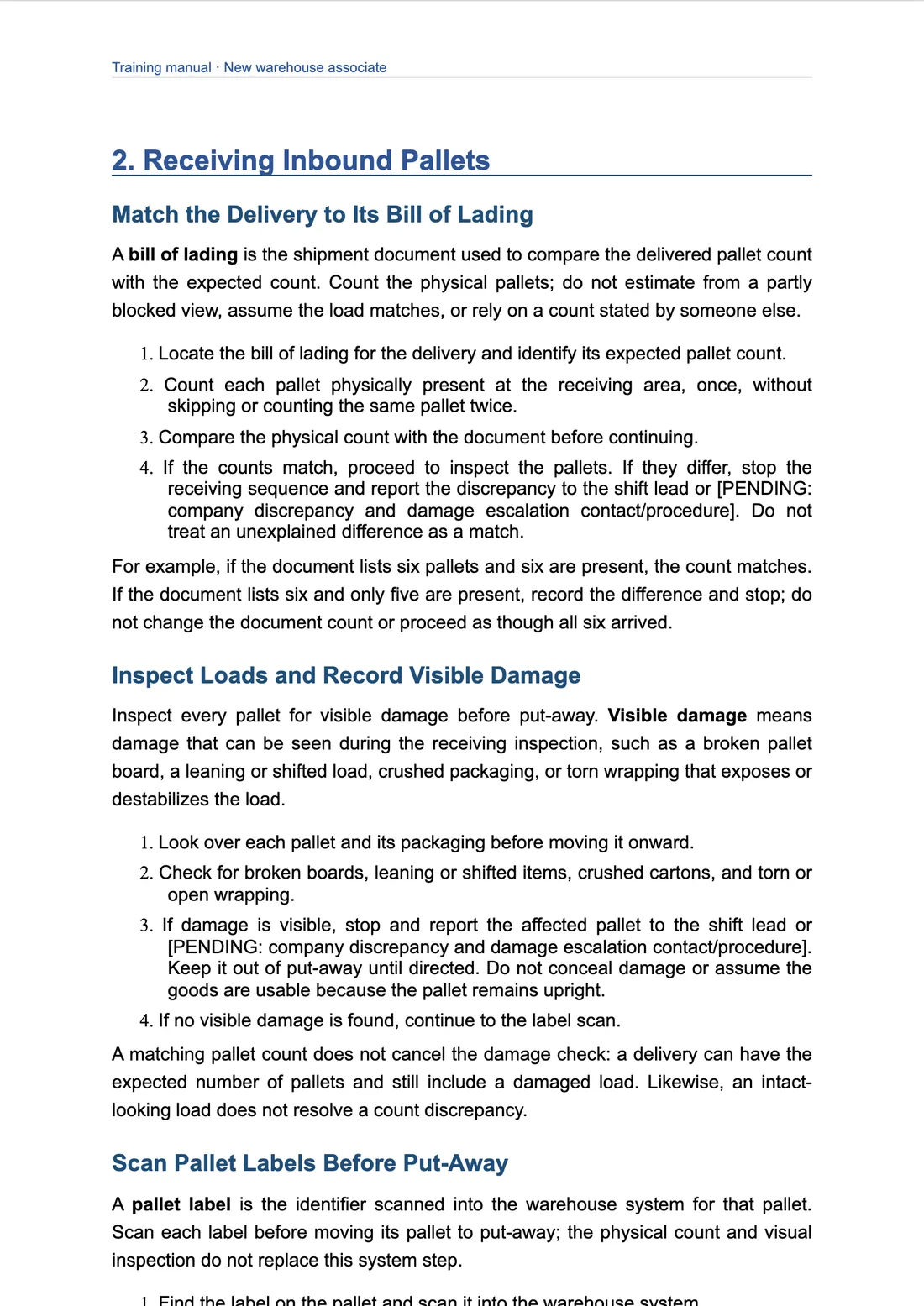
A real example, untouched
Training manual: new warehouse associate
What Nomos was given: The role, five things to learn and the shift lead’s notes — protective equipment, how receiving and picking work, the 60-inch pallet limit and the two most common mistakes — at a fictitious company.
5 chapters · ≈ 8 pages in Word · 95 credits · under a minute
Download the Word fileWhy not a free generator, or ChatGPT?
Both are fine for a page. The difference shows over a whole document.
| Feature | Free one-page generators | ChatGPT | Nomos |
|---|---|---|---|
| What you get | An outline or one lesson | Good for a section; over dozens of pages it repeats itself and loses the outline | Complete modules in learning order |
| Exercises and checks | Rarely | If you ask for them, one by one | In every module, with an answer key |
| Uses your own files | Rarely | What you paste, within its limit | PDF, Word, Excel, CSV or text you upload |
| Your tools and terms | Generic | Only what fits in the chat | Taken from your SOPs and notes |
| Word file | Copy and paste | Copy and paste | Word with cover, table of contents and your logo |
Questions
Can it use our screenshots?
Yes. Add your screenshots to the document and place them in the chapters they belong to; they go into the Word file with the text.
Does it write quizzes?
Each module ends with a short check — questions or a checklist — and the answers go in a key at the end of the manual.
What if I don’t have every detail?
Where the text needs a fact you did not give — a setting, a tool name or a time limit — Nomos writes [PENDING: …] instead of making it up, and the editor lists every pending item so none slips through.
How much does it cost?
You start free with 200 credits, no card. After that you buy one-time credit packs — from $5.49 for 1,000 credits — with no subscription. For reference, a real 21-page proposal written with Nomos used 170 credits.
Can I edit the result?
Yes. You approve the outline before anything is written, rewrite or regenerate any chapter in the editor, and the Word file is yours to change. It is a draft for a person to review, not a finished document.
Start with your outline
Answer a few questions, approve the outline, and get the training manual in Word. The first credits are free.
Write my training manual