
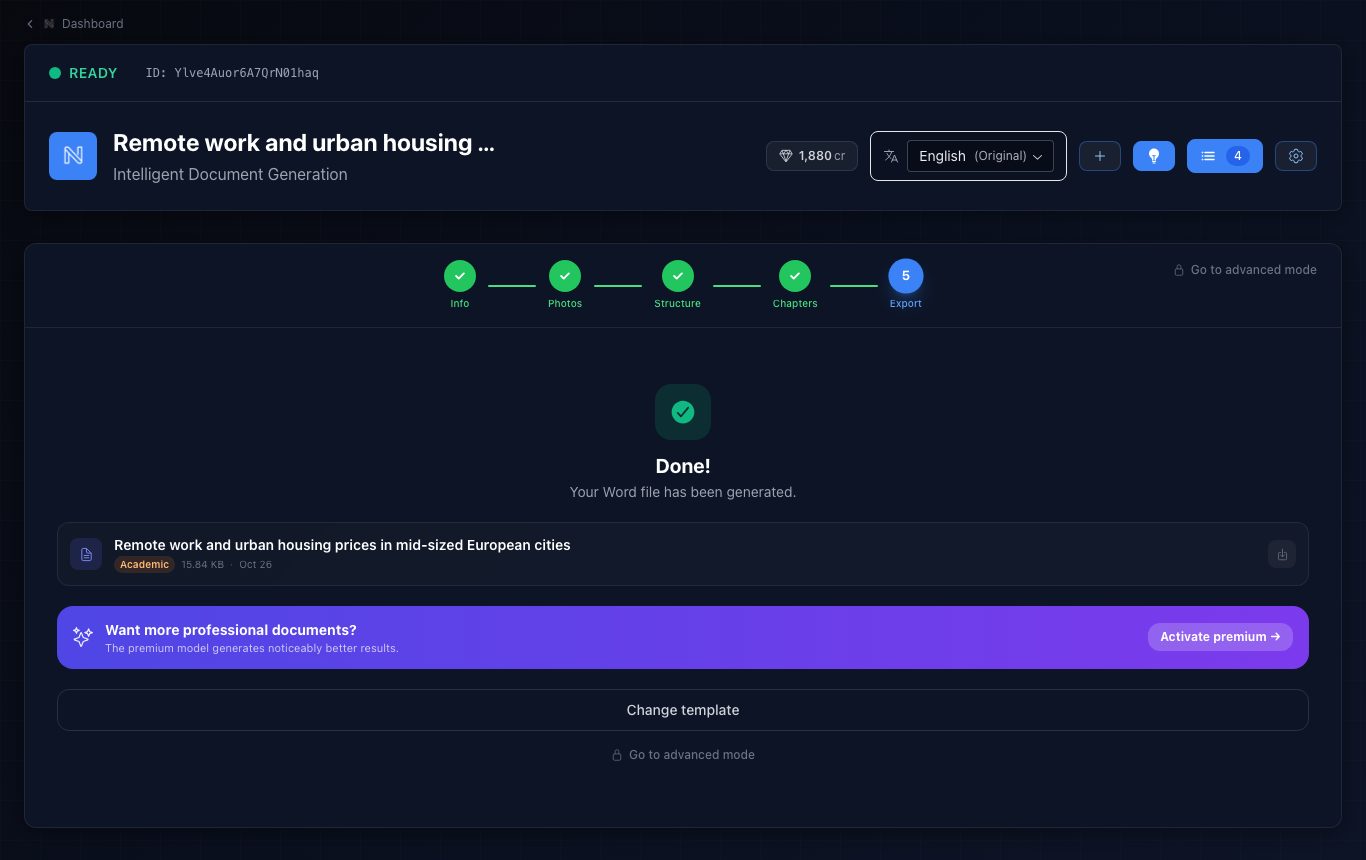
When your chapters are ready, press “Export” and pick a template. The Word file is generated in seconds, with cover, table of contents, page numbers and footer, in the document’s language.
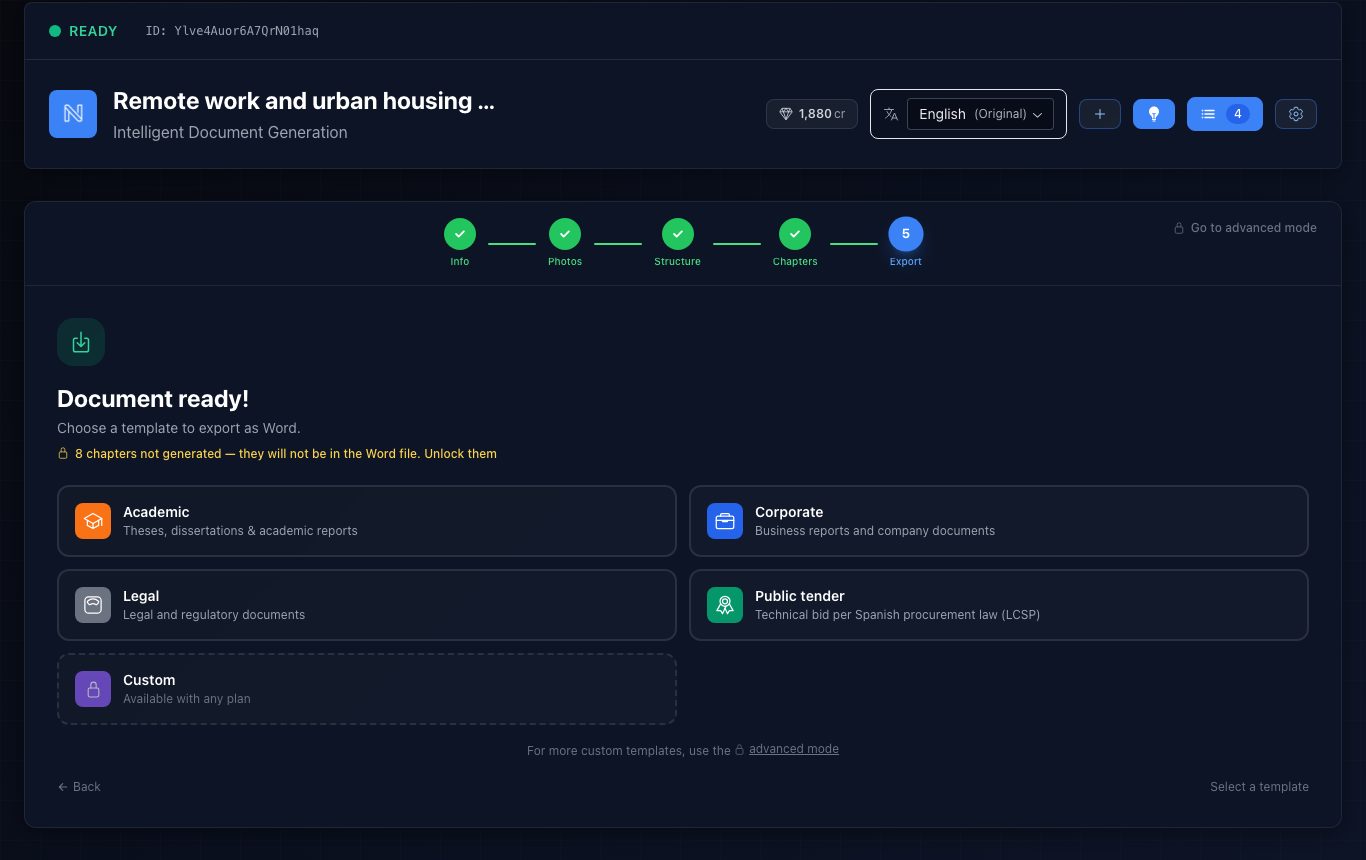
- Academic: theses and academic reports.
- Corporate: business reports and documents.
- Legal: legal and regulatory documents.
- Public tender: technical proposal following Spanish procurement law (LCSP).
- Custom: your template with your logo, colours and fonts (with any pack).
Exported files stay in the “Exported” tab of advanced mode so you can download them again. Exporting costs no credits.
The Word file carries a property marking it as AI-generated, as the EU AI Act requires. Review and complete the text before you submit it.